> ## Documentation Index
> Fetch the complete documentation index at: https://help.uninote.ai/llms.txt
> Use this file to discover all available pages before exploring further.
# Registering Words in the Dictionary
By registering words in the dictionary, proper nouns and internal terms are less likely to be distorted in transcriptions and summaries.
***
### Steps
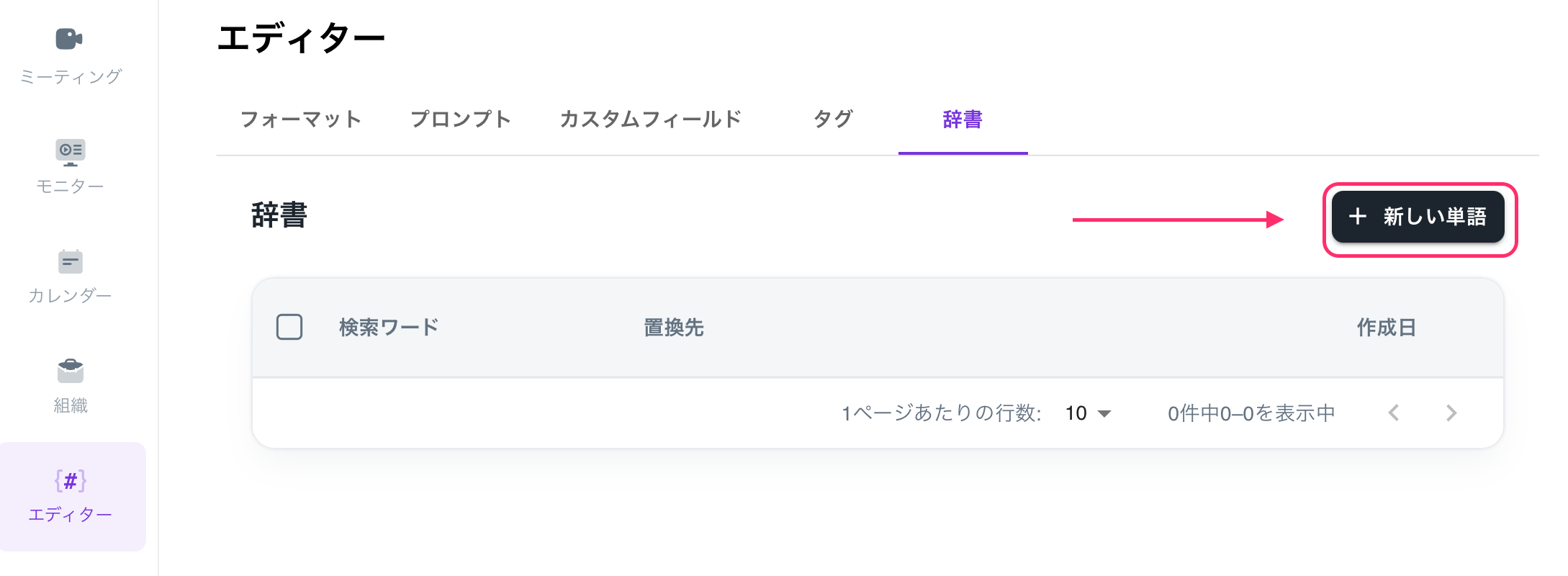
1. Open the \[Editor] screen.
2. Select \[Dictionary].
3. Click on \[+New Word].
 4. Enter the search word and replacement text.
* Example: product names, department names, personal names, abbreviations
5. Click \[Create] to finish.
4. Enter the search word and replacement text.
* Example: product names, department names, personal names, abbreviations
5. Click \[Create] to finish.