> ## Documentation Index
> Fetch the complete documentation index at: https://help.uninote.ai/llms.txt
> Use this file to discover all available pages before exploring further.
# What should I do if I forgot my password?
If you forget your password, you can set a new password from the reset screen.
## A. You can set a new password from the reset screen.
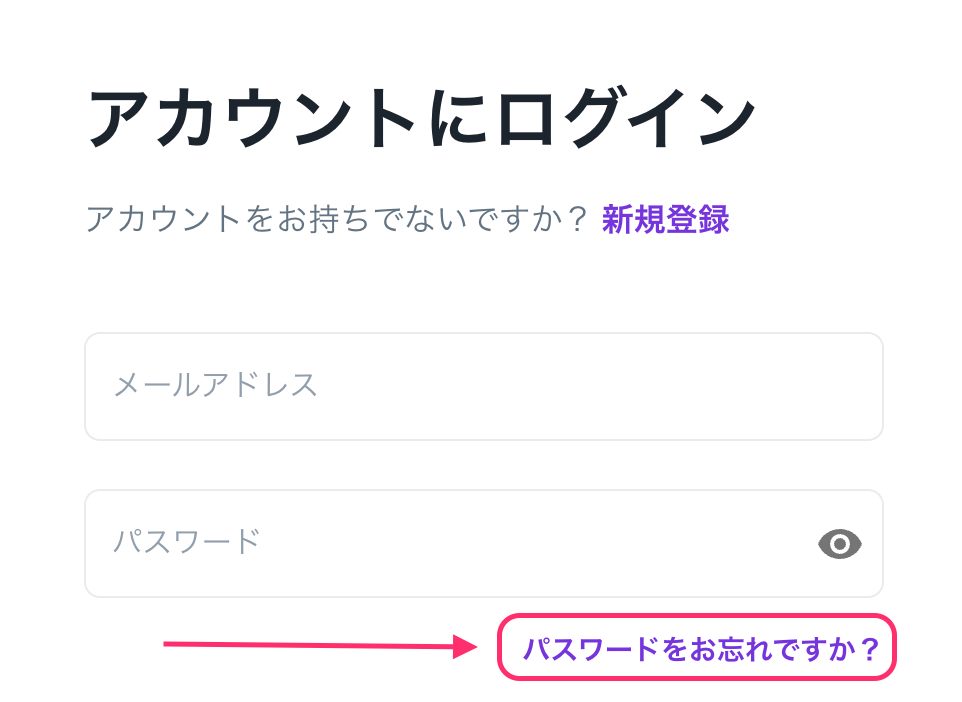
1. Click on \[Forgot your password?] on the login screen.
 2. Enter your registered email address.
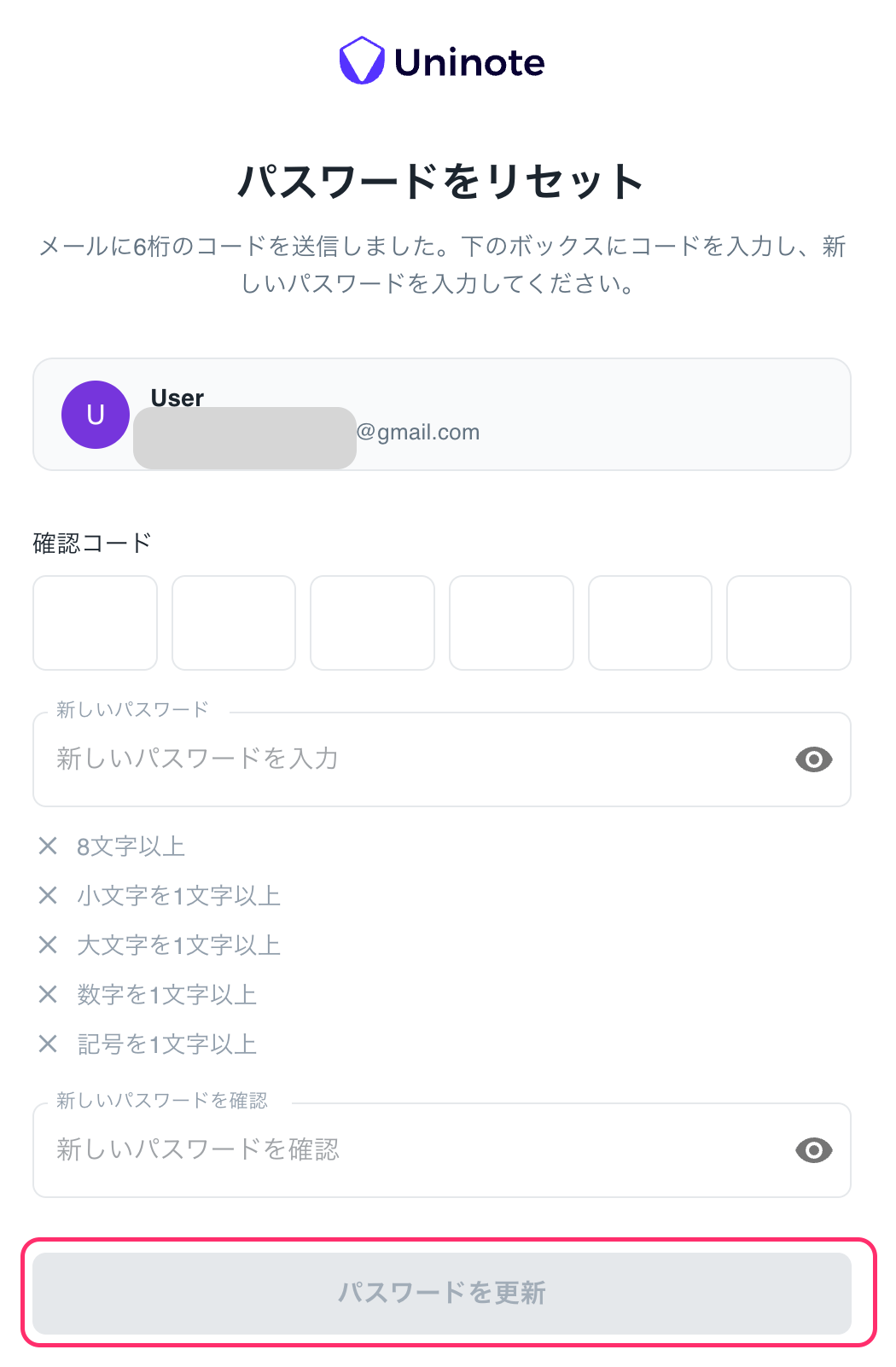
3. A 6-digit verification code will be sent to you, so enter the verification code and your new password.
Subject: `Reset your Uninote password`\
From: `no-reply@mail.uninote.ai`\\
2. Enter your registered email address.
3. A 6-digit verification code will be sent to you, so enter the verification code and your new password.
Subject: `Reset your Uninote password`\
From: `no-reply@mail.uninote.ai`\\
 ***
### Additional Information
* If you do not receive the reset email, please check your spam folder.
* If you do not remember your registered email address, please contact your administrator.
***
### Related Pages
* [Can I set a password if I logged in with a Google / Microsoft account?](/en/google-microsoft-akauntoderoguinshitapasuwdohadekimasuka)
***
### Additional Information
* If you do not receive the reset email, please check your spam folder.
* If you do not remember your registered email address, please contact your administrator.
***
### Related Pages
* [Can I set a password if I logged in with a Google / Microsoft account?](/en/google-microsoft-akauntoderoguinshitapasuwdohadekimasuka)