> ## Documentation Index
> Fetch the complete documentation index at: https://help.uninote.ai/llms.txt
> Use this file to discover all available pages before exploring further.
# 辞書に単語を登録する
辞書に単語を登録することで、固有名詞や社内用語が文字起こしや要約で歪められにくくなります。
***
### 手順
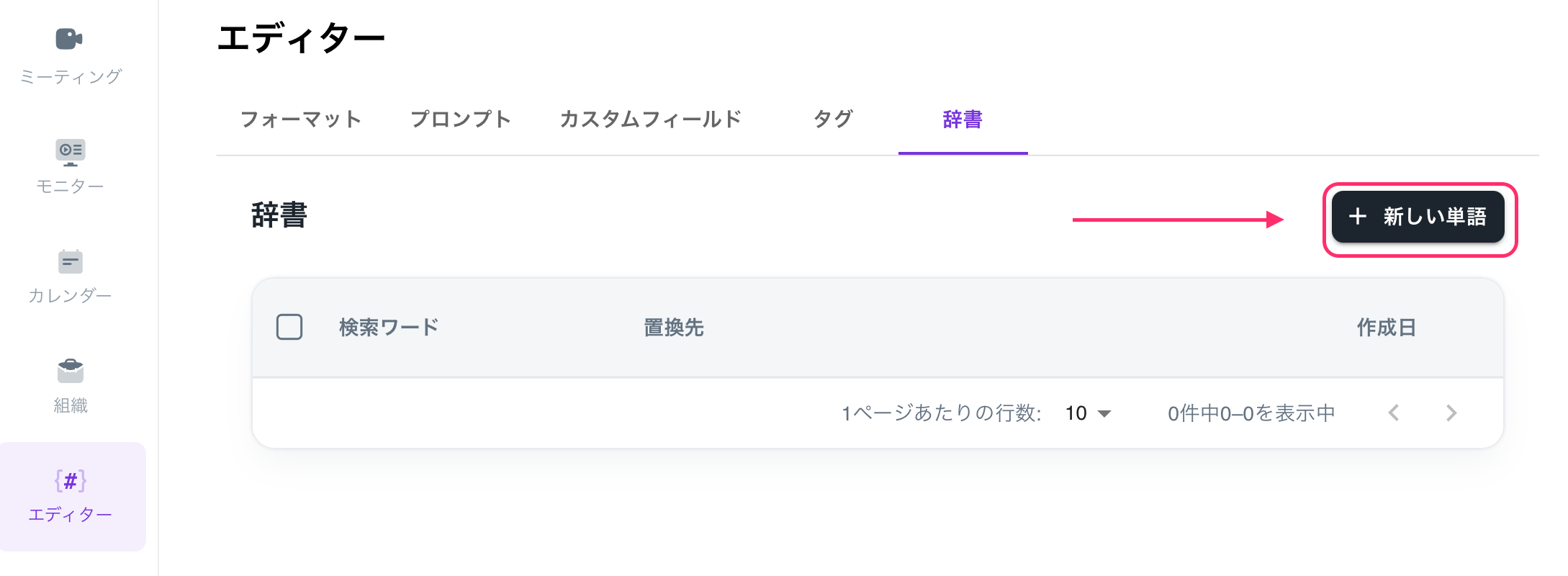
1. [エディター]画面を開きます。
2. [辞書]を選択します。
3. [+新しい単語]をクリックします。
 4. 検索ワードと置換テキストを入力します。
* 例:商品名、部署名、人名、略称
5. [作成]をクリックして完了します。
4. 検索ワードと置換テキストを入力します。
* 例:商品名、部署名、人名、略称
5. [作成]をクリックして完了します。