> ## Documentation Index
> Fetch the complete documentation index at: https://help.uninote.ai/llms.txt
> Use this file to discover all available pages before exploring further.
# モバイルアプリで連絡先を確認する
モバイルアプリで連絡先を確認する手順を説明します。
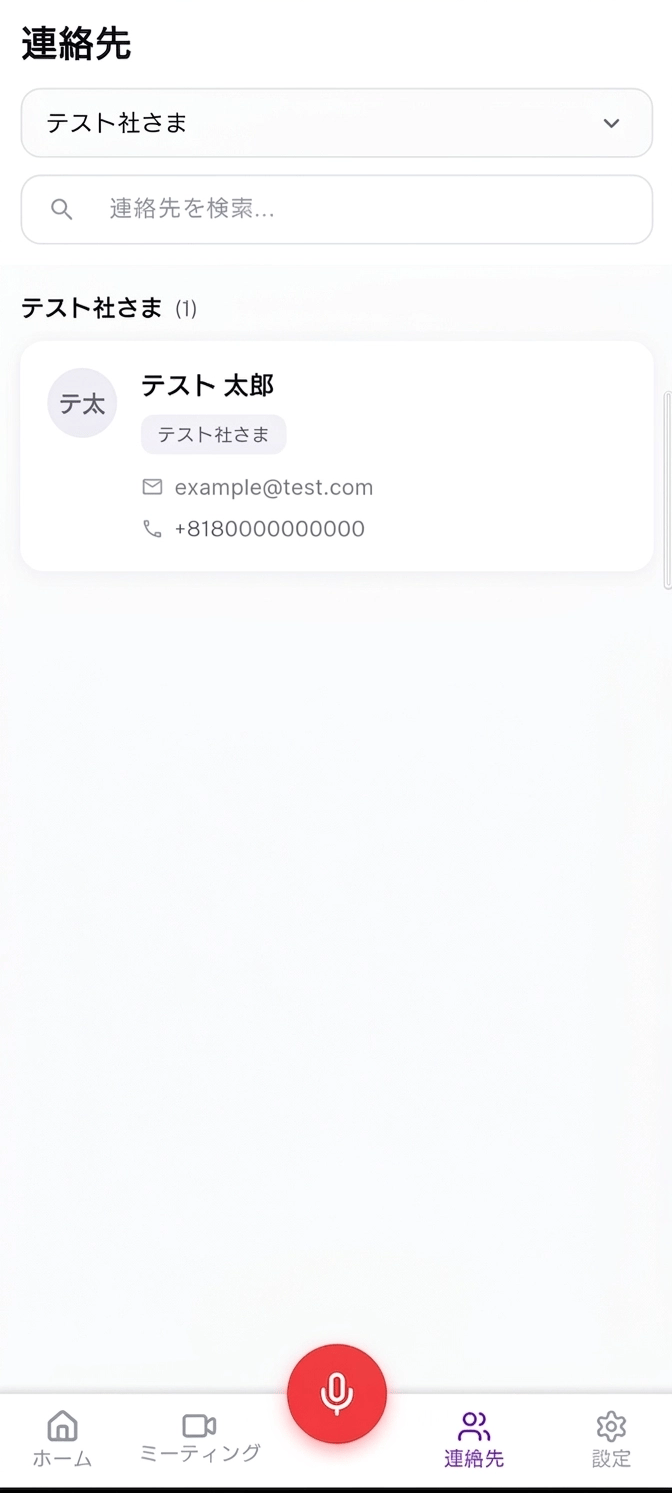
## 連絡先画面を開く
画面下部の[連絡先]を押します。
 ## 連絡先を検索する
連絡先を検索する場合は、検索欄を使用します。
1. [連絡先を検索...]を押します。
2. 確認したい連絡先の名前を入力します。
3. 検索結果から連絡先を確認します。
## 連絡先を検索する
連絡先を検索する場合は、検索欄を使用します。
1. [連絡先を検索...]を押します。
2. 確認したい連絡先の名前を入力します。
3. 検索結果から連絡先を確認します。