

This page is a guide for those who have received an invitation from an administrator.
A. Register your account and log in from the invitation email or invitation URL.
How to Log In
- Open the Uninote registration screen.
- If you received an invitation email: Click the [Accept Invitation] link in the email.
Subject:
Invitation to join {Organization Name}From:noreply@mail.uninote.ai - If you received an invitation URL: Open the URL in your browser.
- If you received an invitation email: Click the [Accept Invitation] link in the email.
Subject:
- Click [Sign Up].
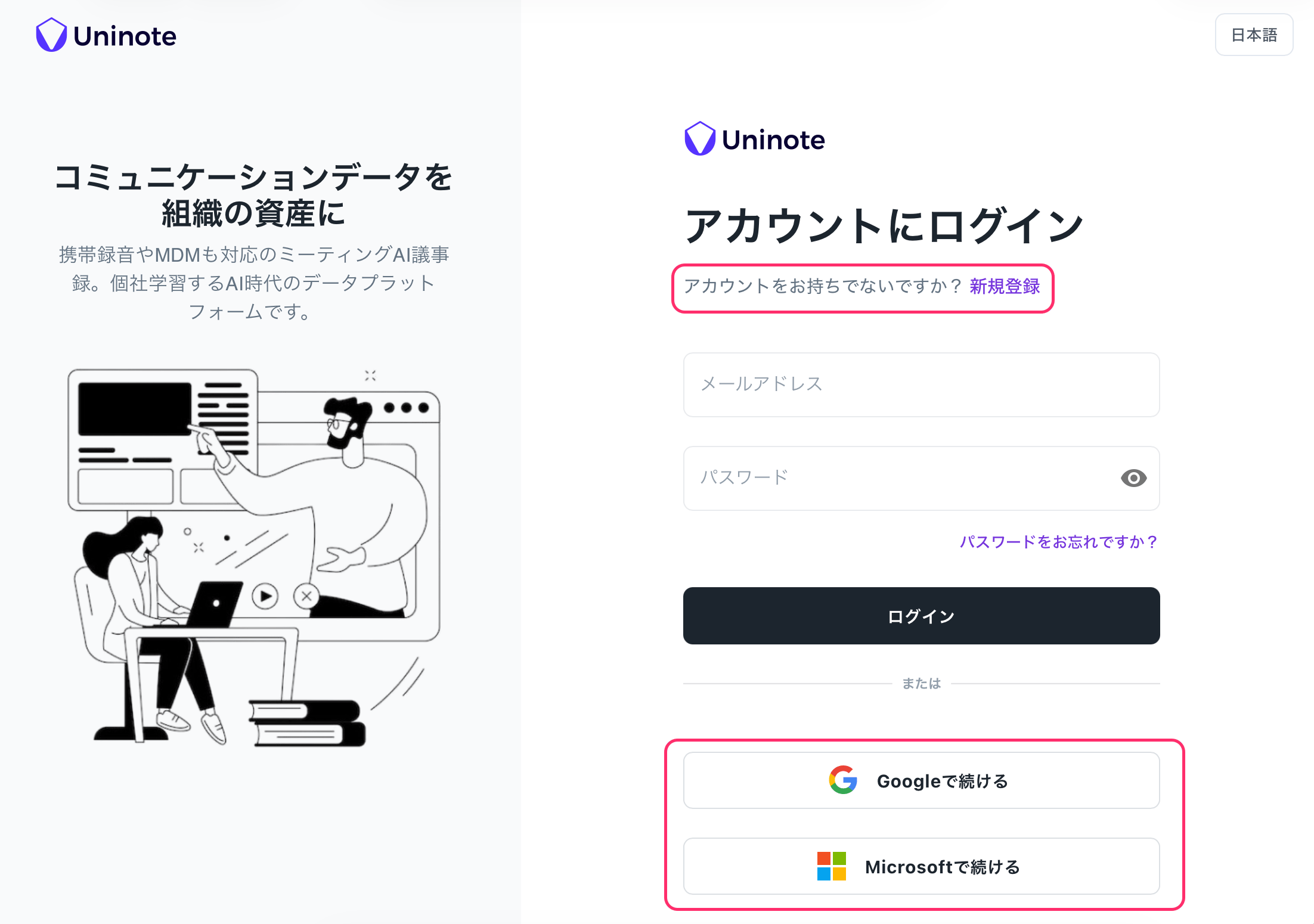
- Choose your registration method.
- If registering with an email address: Enter your name, email address, and password, then click the link in the confirmation email (Subject:
Verify your Uninote account). - If registering with a Google / Microsoft account: Select “Sign in with Google” or “Sign in with Microsoft” and grant permission to access your account.\
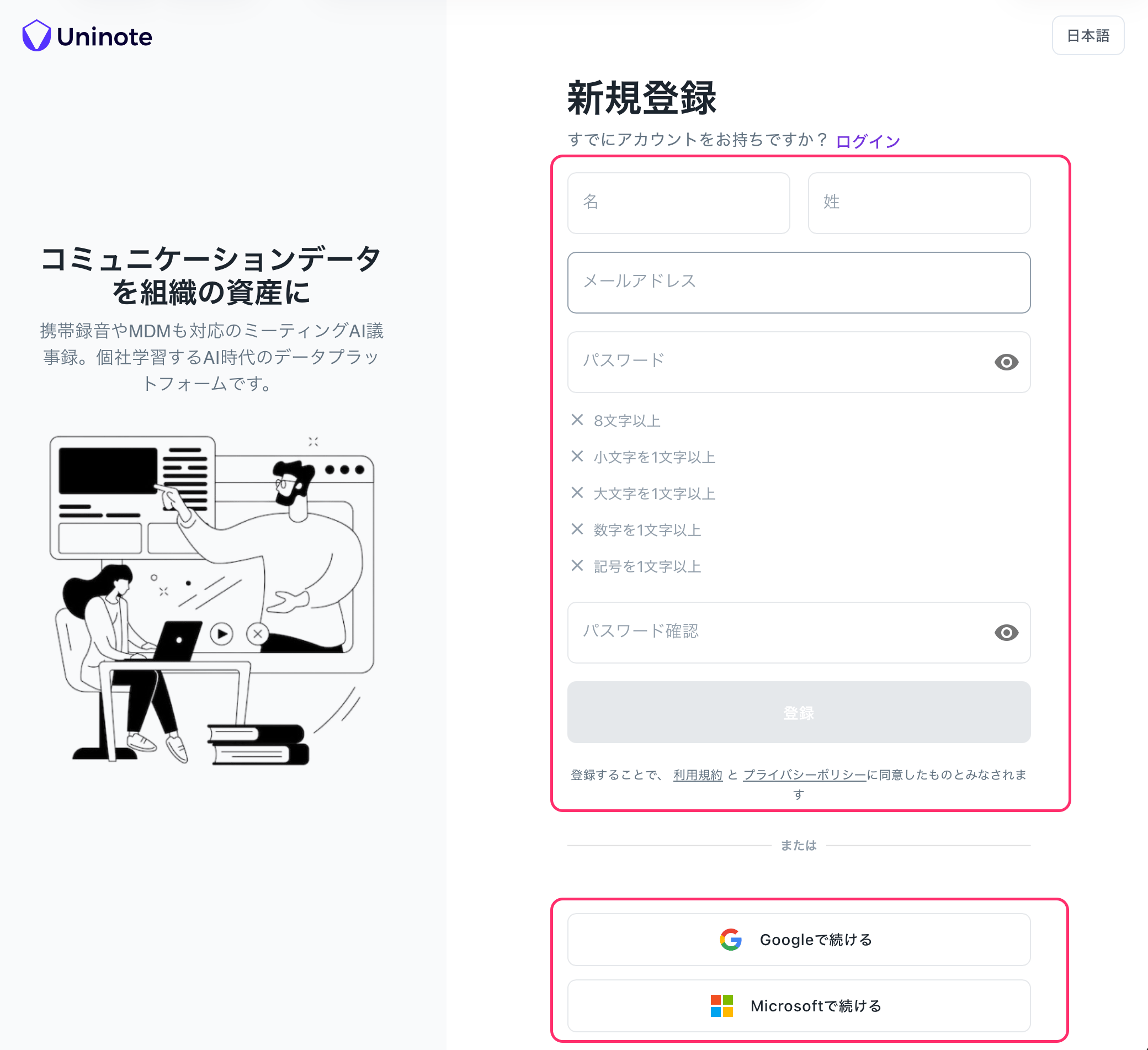
- If registering with an email address: Enter your name, email address, and password, then click the link in the confirmation email (Subject:
If you do not receive the invitation email
- Please check your spam folder.
- If the issue persists, please ask your administrator to resend the invitation.